
-
 Media gallery
-
 Media gallery
-
 Media gallery
-
 Media gallery
-
 Media gallery


ultimate transition pack
- Sale price
- $39.95
- Regular price
-
- Regular price
- $39.95
- Unit price
- per
Take your edits to the next level with the Ultimate Transition Pack—a collection of 40 high-quality 4K transitions designed for effortless integration into nearly any video editing software. Whether you're working on cinematic projects, social media content, or commercial edits, these transitions provide the perfect organic and glitchy visual effects to make your cuts seamless and engaging.
Guaranteed safe checkout
Couldn't load pickup availability





Notified by email when this product becomes available
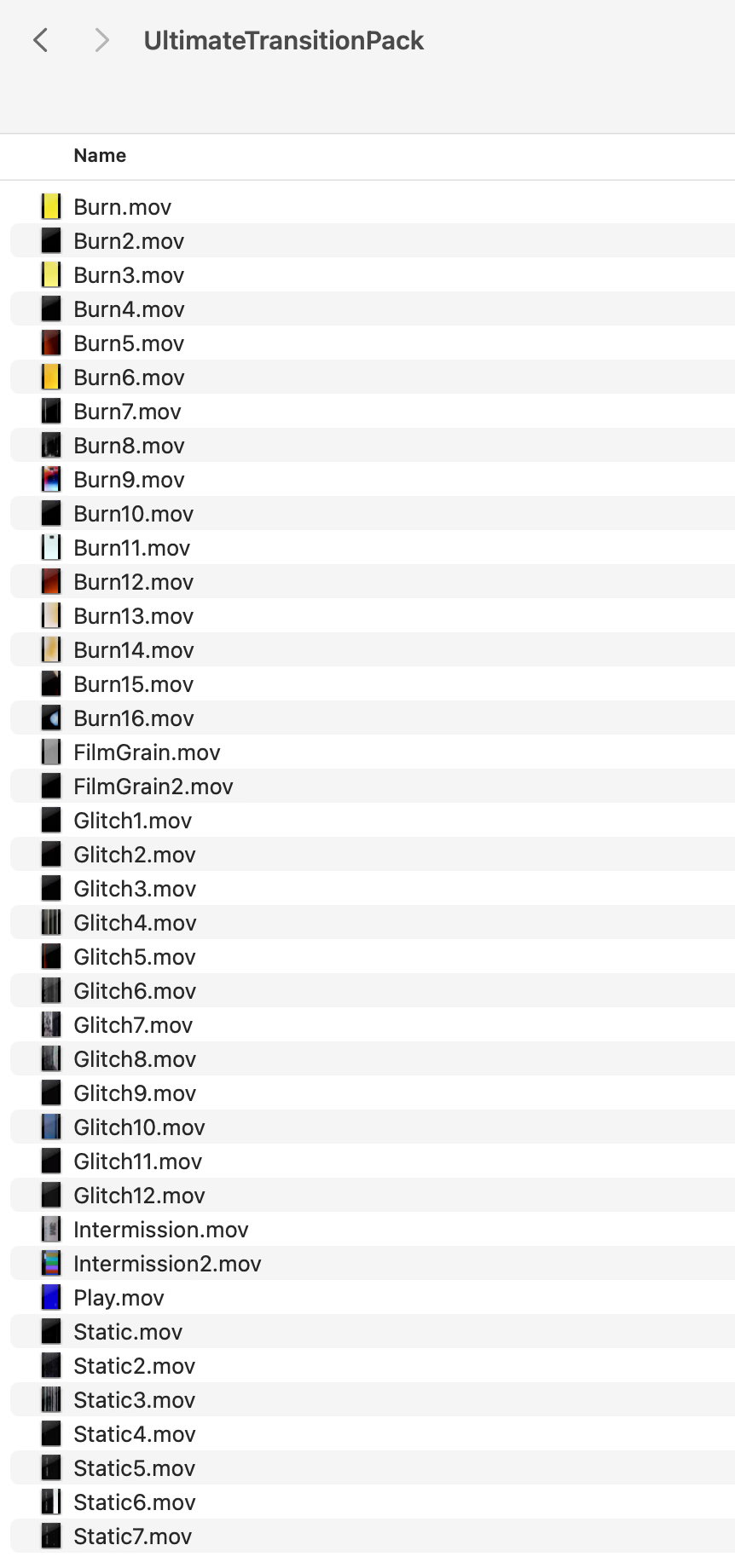
What's in the File
✅ 40 Unique Transition Clips
- A mix of film burns, VHS glitches, static distortions, and more for smooth, creative transitions.
- Professionally designed to add cinematic energy and visual texture to your videos.
✅ Effortless Integration
- Simply place the .MOV file above your footage and apply a blending mode.
- Recommended blending modes in Adobe Premiere Pro: Screen or Lighten for the best results.
✅ High-Resolution 4K Quality
- All transitions are provided in 4K resolution (3840x2160) for crisp, high-quality visuals that maintain detail across any project.
- Works for both vertical (9:16) and horizontal (16:9) edits—just rotate as needed!
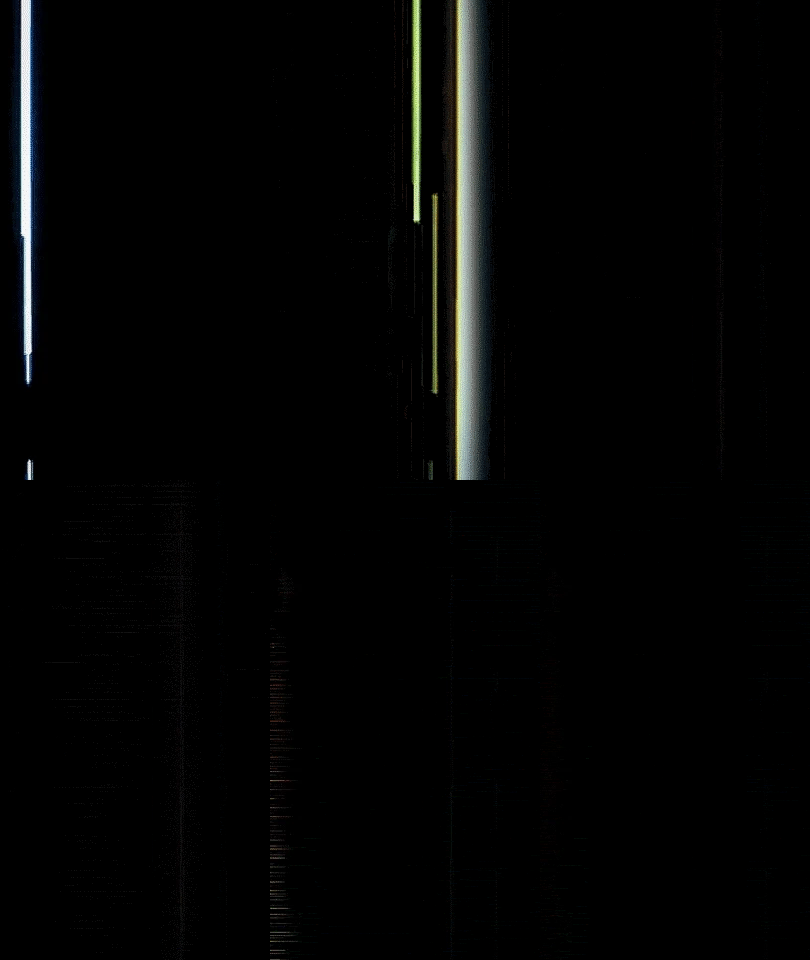
✅ Seamless Integration, Pro Results
Simply drag and drop the .MOV files above your footage and apply a blending mode—no plugins required.
🎞️ Built for Creators, by a Creator
These are the exact transitions I use across client, commercial, and personal work—refined for professional-quality results.
🚀 Why You’ll Love This Pack
Versatile & Compatible – Works with Premiere Pro, Final Cut Pro, DaVinci Resolve, After Effects & more.Recommended Products

- Sale price
- $59.95
- Regular price
-
- Regular price
- $59.95
- Unit price
- per


- Sale price
- $39.95
- Regular price
-
- Regular price
- $39.95
- Unit price
- per

- Sale price
- $29.95
- Regular price
-
- Regular price
- $29.95
- Unit price
- per
Frequently Asked Questions
Find answers to common questions about our products and services
All transitions are .MOV video files (QuickTime) with alpha/transparency. Available in HD resolution.
Any video editing software that supports .MOV overlay files: Premiere Pro, DaVinci Resolve, Final Cut Pro, After Effects, CapCut, and more. No plugins required.
40 transition overlays across 6 categories: Burns (16), Glitches (12), Statics (7), Film Grain (2), Intermissions (2), and Play (1).
Place the .MOV file on a track above your footage on the timeline, then set the blending mode (Screen, Add, or Overlay work best depending on the effect). No plugins needed.
Yes. Commercially licensed for unlimited personal and commercial projects.