
My Entire Editing Workflow.
Plus Every Pack I Sell.
A complete breakdown of how I make my videos: the filming process, the editing process, the sound design and the color grade. Enroll now and get everything.
THE COURSE
How I Shoot & Edit: The Full Course 3 modules · 2h 26m · one real video, plan to exportTHE BONUS
All 10 editing packs Every pack on this store, thrown inYOU PAY
You’re buying the course. The packs come with it, free.
WHAT’S IN THE FREE BONUS · ALL 10 PACKS
 Genesis Look Creator
 Odyssey PowerGrade
 Ultimate LUT Pack
 Clean Animation UI
 Creator Pro Animation
 Ultimate Sound FX
 Ultimate Presets
 iPhone Apple Log LUTs
 Ultimate Transitions
 Ultimate Hit Presets
Instant access · Commercial license · One-time payment · Yours forever
THE COURSE
One Video. Start to Finish.
Nothing Cut Out.
Tutorials teach one trick at a time. This follows one video from a loose idea to the final export, the kind you’d post or hand to a client. You see how a shot filmed a certain way becomes a certain cut, which allows a certain grade. The part nobody puts on YouTube.

MODULE 1 · 26 MIN
Stop shooting first and figuring it out later.
- Turn a vague idea into shots you can actually go get
- Build a shot list that survives the real world
- Show up knowing the video already works
- Quote a client a scope and timeline you can hit
The shortest module, and the reason the next two go so smoothly.

MODULE 2 · 60 MIN
Shoot the whole thing yourself, in an afternoon, with a light bag.
- Carry less and move faster with the bag I actually use
- Get stable shots without the expensive gimbal
- Find usable light at any hour instead of waiting for golden
- Direct a friend or a client who has never been on camera
A full hour on the streets of Tokyo, uncut. Also: lens strategy, NDs and cards, scouting, shooting out of order, rolling through strangers, getting variations.
“This isn’t the most expensive gimbal. It’s the one I’ve used all this time, and it gets the job done.”

MODULE 3 · 60 MIN
Raw clips to a video people watch to the end.
- Start cutting immediately with my Premiere template
- Cut to music so the video carries momentum
- Land hits, SFX and transitions where they actually pay off
- Grade every shot with my PowerGrade and LUTs
Every pack, used in order. Also: why 29.97, export specs for social, speed ramps and whips, the end-loop trick, the round-trip to Resolve, the final export check.
“A lot of my edits are music driven. I’d rather spend the time finding the right track first.”
ALSO IN THE COURSE FILES
🗂️ My Premiere Project Template
The exact project setup from module 3: bins, sequences, export presets. Open it and start cutting.
📋 Shot List & Storyboard
The planning docs from module 1, so you can build your own the same way.
INCLUDED FREE
Every Pack On This Store.
Yours With The Course.
Bought one at a time these are $650. The prices below are the real store prices, so go check. Enroll and every one of them is in your download, and you watch them get used in module 3.

ODYSSEY POWERGRADE · $77 FREE
My entire color grade.
Not a preset. My whole DaVinci Resolve color pipeline: every node labeled, every look adjustable. In module 3 you watch it applied shot by shot. Watch it work:

ULTIMATE LUT PACK · $77 FREE
Every LUT you’ll ever need.
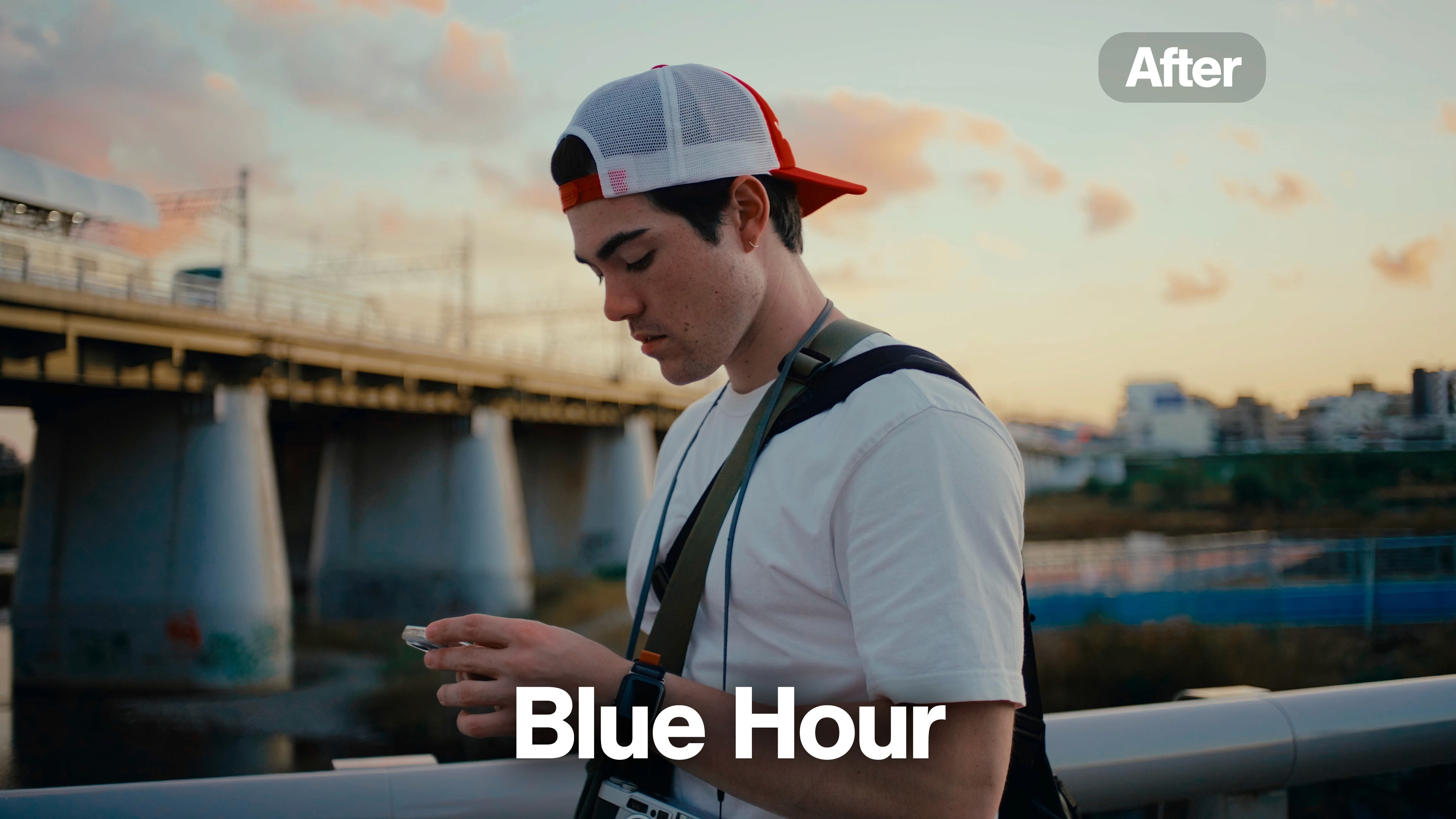
7 looks I actually grade with, plus 16 conversion LUTs so they work on any camera that shoots log. Premiere, Resolve, Final Cut, CapCut. Drag the sliders:
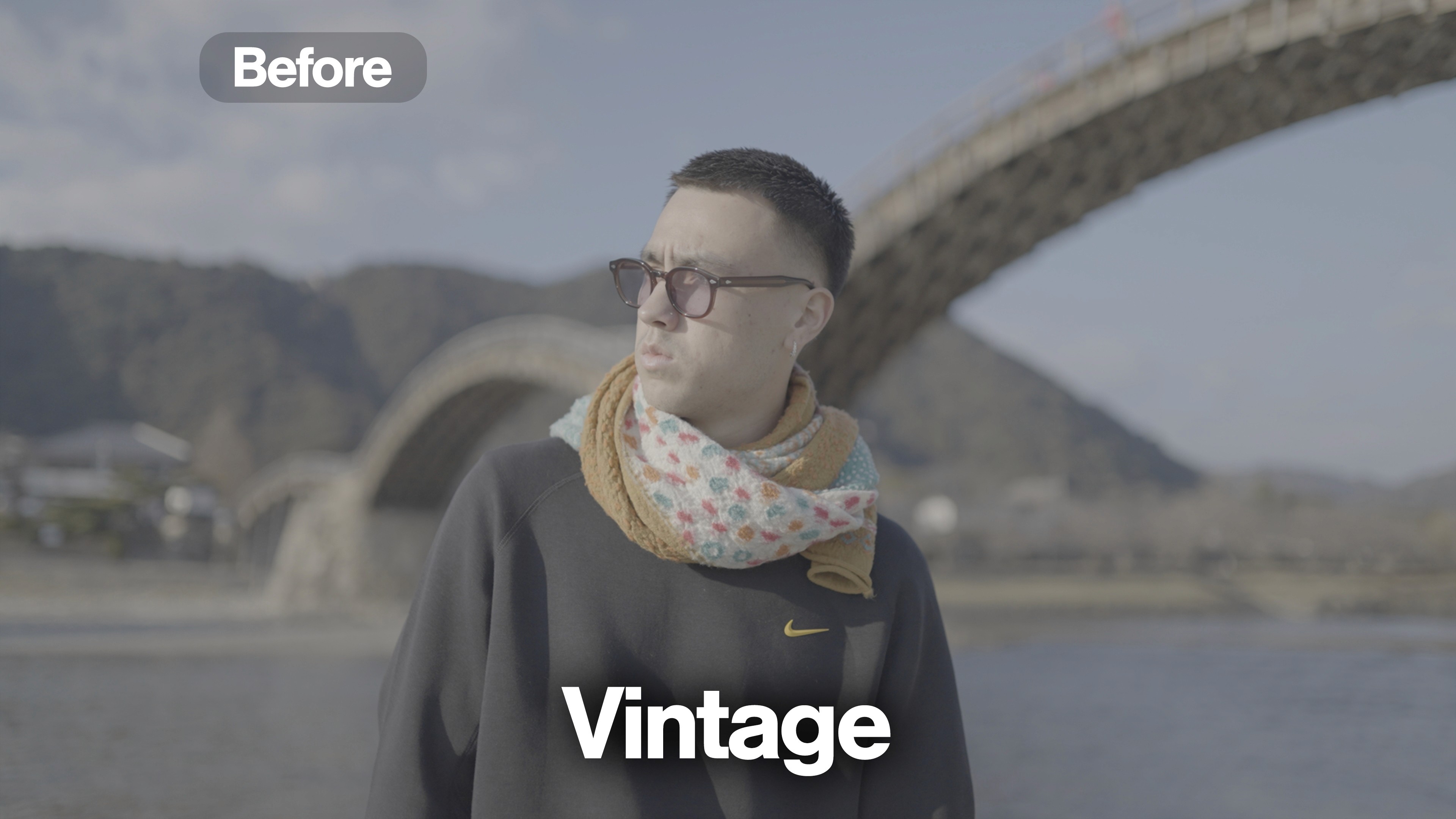

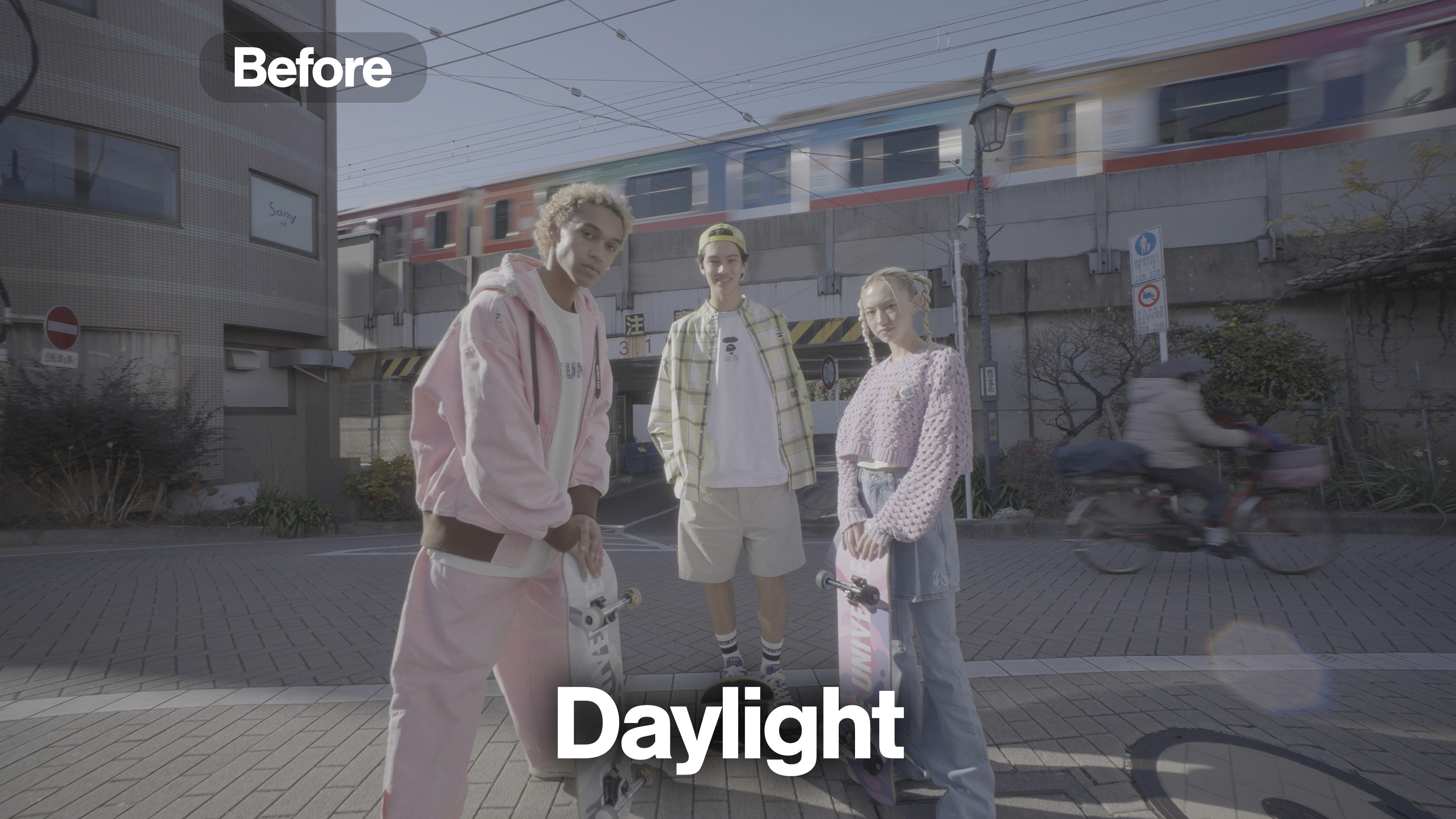

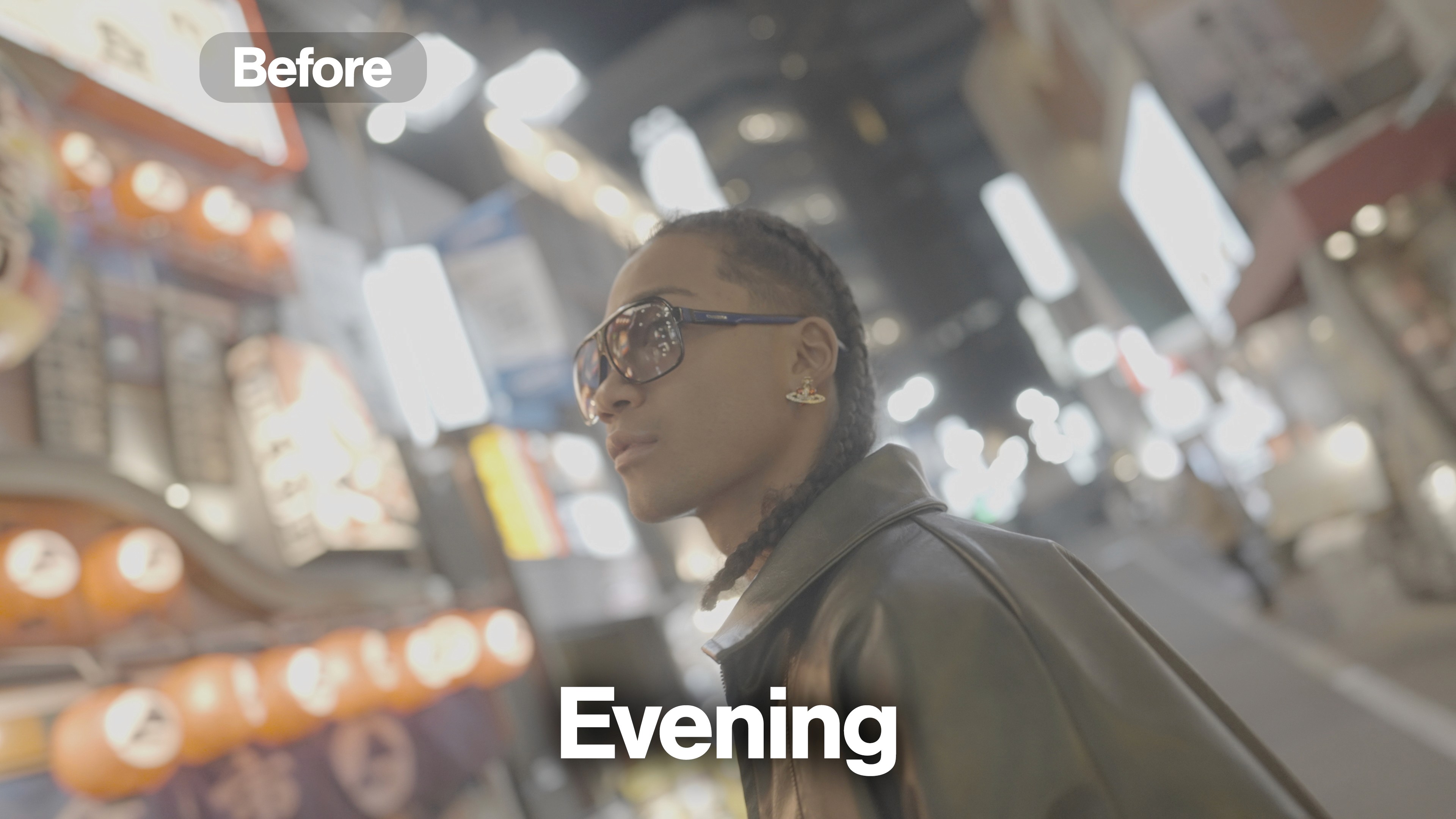
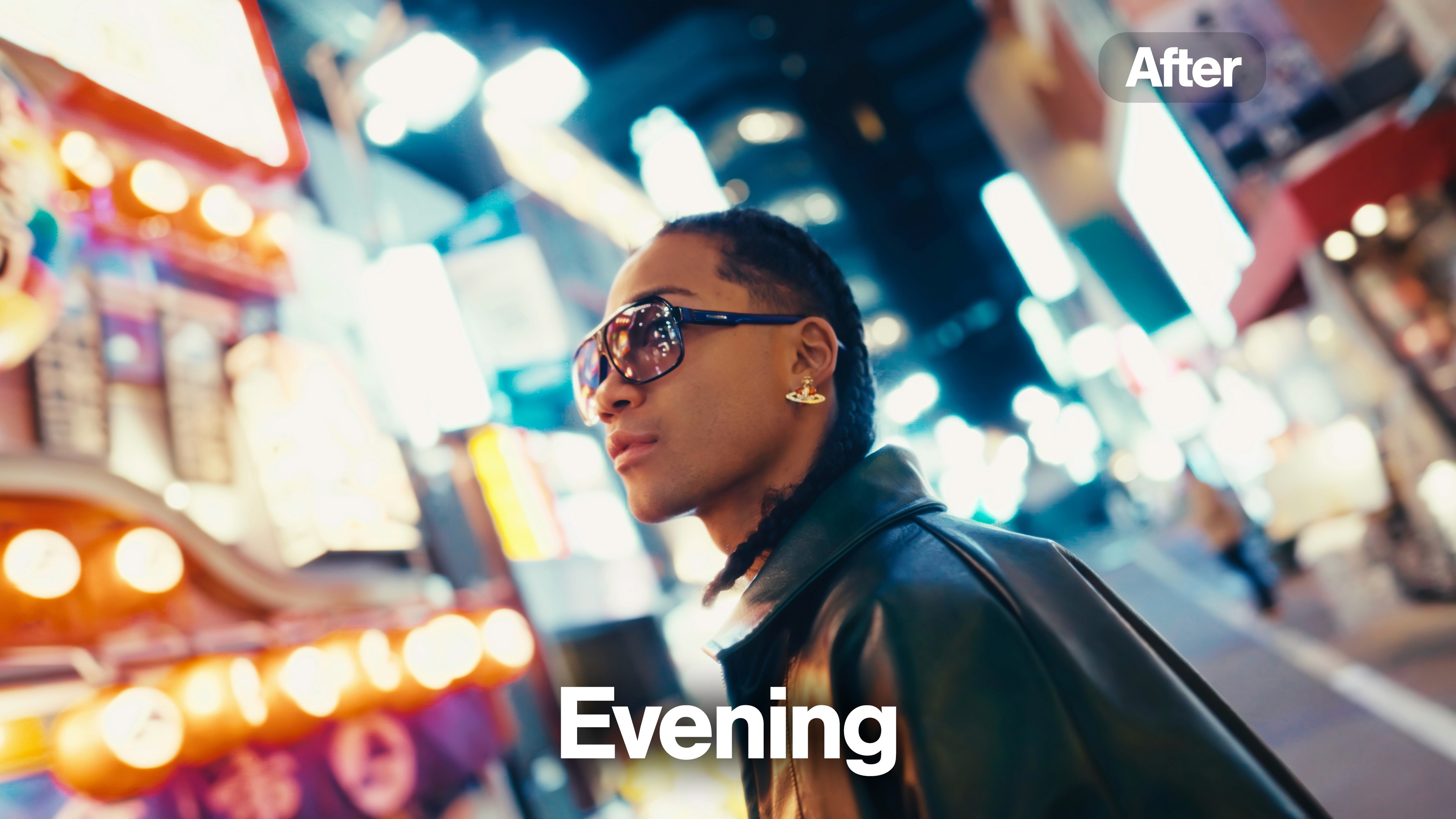


ULTIMATE SOUND FX PACK · $57 FREE
Sound that makes your edits hit.
38 mixed & mastered WAVs: whooshes, impacts, risers, Foley. In module 3 you hear where each one goes. Tap to hear them:
6 of 38. The rest are in the download.

ULTIMATE TRANSITION PACK · $37 FREE
40 transitions. Drag, drop, done.
Film burns, VHS glitches, static distortions in true 4K. Drop the .MOV above your footage, set the blend mode, done. These are running below:
AND SIX MORE, ALL FREE

$97 FREE
Genesis Look Creator
Build your own looks inside Resolve. My grading system as a plugin, not a preset.

$77 FREE
Clean Animation UI Pack
10 drag-and-drop MOGRTs for Premiere. No After Effects needed.

$77 FREE
Creator Pro Animation Pack
12 full After Effects projects. Every keyframe is yours to change.

$57 FREE
Ultimate Preset Pack
10 Lightroom presets with real before and afters from Tokyo.

$57 FREE
iPhone Apple Log LUTs
12 LUTs built for Apple Log. Cinema color straight off your phone.

$37 FREE
Ultimate Hit Preset Pack
15 hit presets for Premiere. One drag onto the cut.
QUESTIONS, ANSWERED
Everything you’d ask me in the DMs
Is this a course, or a bundle of presets?
A course. You’re paying for 2h 26m of one real video being planned, shot, edited, sound designed and graded. The ten packs are included because you watch them get used in module 3, and I’d rather you have the exact files than try to follow along with something else.
How is this different from free tutorials?
Tutorials teach one technique at a time. This is one video followed all the way through, so you see how a shot filmed a certain way becomes a certain cut, which allows a certain grade. Watching it come together is the part nobody puts on YouTube.
Does this work for Reels and short-form?
Yes. Module 3 covers the export specs I use for social, why I work at 29.97, the speed ramps and whips that hold attention, and the end-loop trick for getting a second watch. The transitions, hits and SFX packs are what I use on that content.
I already own some of the packs. Still worth it?
Yes. The course is the reason to buy. You also end up with every pack on the store, including the ones you skipped, so you’re paying $297 for the course and filling the gaps for free.
Is it polished, or the real thing?
The real thing. You’re on the street for the shoot and in the timeline for the edit, including the moments where the plan changes and I work around it.
What software do I need?
The edit module runs in Premiere Pro and DaVinci Resolve, and my Premiere template is included. The packs cover Premiere, Resolve, After Effects, Final Cut, CapCut and Lightroom, so whatever you cut in, most of the kit works for you.
Do I need expensive gear?
No. The shoot module makes that case directly. It’s filmed solo with a light bag, and there’s a full LUT pack in here built specifically for iPhone Apple Log.
Can I use it all for client work?
Yes. Everything is commercially licensed for unlimited personal and client projects. The only thing you can’t do is resell or redistribute the files themselves.
How do I get access?
Instantly, seconds after checkout. One-time payment, no subscription, and you keep the course and every pack forever.
HOW I SHOOT & EDIT: THE FULL COURSE
$1,147 → $297
The course. Every pack. One payment. Nothing held back.
Get the Course + All 10 Packs →Instant access · Commercial license · One-time payment